Venmo lets you export your transaction history as a CSV file, one month at a time, from the app or the website. This guide shows both routes, how to merge twelve monthly files into one Google Sheet, how to clean the amounts so they add up, and what to do when you want a standing record built from the Gmail receipts Venmo sends you.
How do you export data on Venmo?
You export Venmo data from the Statements page: pick a month and year, then download the CSV or have it emailed to you. Venmo’s own help page describes the steps below, and they work for personal accounts, business profiles and charity profiles.
On the website:
- Sign in at venmo.com.
- Click Statements in the sidebar.
- Open the dropdown and choose a month and year. Click the year at the top of the dropdown to switch to a different one.
- Click Download CSV.
In the mobile app:
- Go to Settings.
- Tap Statements.
- Choose the year and month from the dropdown.
- Choose whether to download the file to your device or send it to your email.
If a statement is too large to download, Venmo emails it to you instead. Teen Account statements are only available to the parent or guardian, who opens them with View statements from the Teen Account.
Venmo’s help page does not say how far back statements go or whether you can pick a custom date range. Third-party guides disagree on both, so check which months your own Statements dropdown offers before you plan a full-year export. Each file covers one month, so a year of data means twelve downloads.
What does the Venmo CSV contain?
The CSV is a flat list of transactions, and it needs a little cleanup before a spreadsheet can total it. Third-party guides that have opened these files report the same quirks, so check your own file for them:
- Title rows may sit above the real column headers.
- Columns include an ID, a status, a funding source, a destination and fee columns, plus the payment note.
- Amounts can be stored as text such as “- $885.00” rather than as numbers, which is why a plain SUM returns 0.
- There is no running balance.
Most bookkeepers only need three columns for reporting: date, description (the note) and amount. Everything else can be hidden or deleted once you have confirmed the totals match your Venmo balance history.
How do you export Venmo data to Google Sheets?
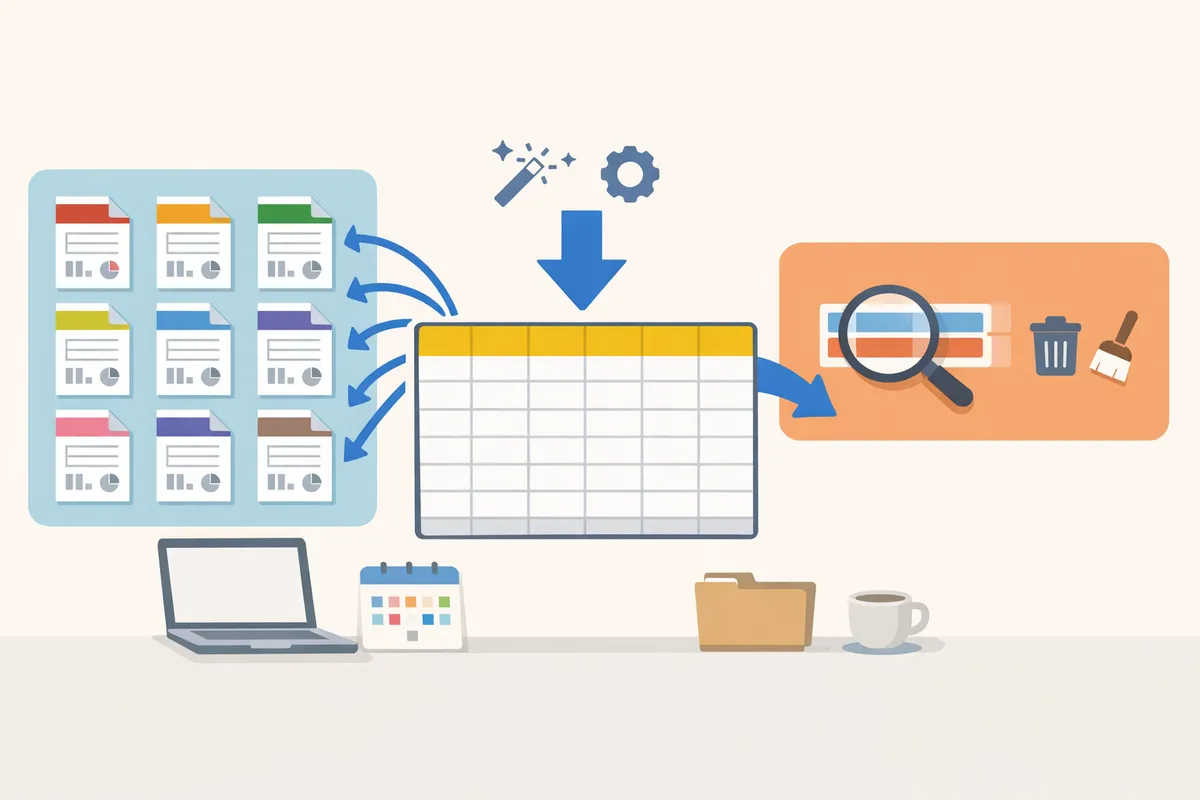
You bring each monthly CSV into Google Sheets with File, Import, and you can stack all twelve months into one tab. The steps follow Google’s own import flow:
- Open a Google Sheet and create a tab called
venmo_raw. - Click File, then Import, and upload the first month’s CSV.
- For the import location, choose Replace current sheet for the first month. Use Append rows to current sheet for every month after that, which adds the rows below the last row that has data.
- Leave the separator on Detect automatically, or choose Comma, and click Import.
- Once all months are in, delete the title rows and any repeated header rows so that row 1 holds the column names and every row below is one transaction.
If you export before the month ends, the file only covers the days so far. When you append the finished month later, delete the partial rows first so nothing is counted twice. Sorting by the ID column and checking for repeats is a quick way to catch duplicates.
How do you turn Venmo amounts into numbers you can add up?
Add a helper column that strips the dollar sign, commas and spaces from the text amount, then converts what is left to a number. This formula is for Google Sheets and assumes the amount text sits in column F, with headers in row 1. Adjust the column letter to match your file.
- In cell
N1type the headerAmount (number). - In cell
N2enter:
=VALUE(SUBSTITUTE(SUBSTITUTE(SUBSTITUTE(F2,"$",""),",","")," ",""))
- Fill the formula down the column. A cell showing “- $885.00” becomes -885.
With that column in place, a monthly total is one formula. If your dates are in column B as real dates, this adds up one month of activity:
=SUMIFS(N:N, B:B, ">="&DATE(2026,10,1), B:B, "<"&DATE(2026,11,1))
If the date column came in as text, convert it first, or the SUMIFS will match nothing. Select the column and use Format, then Number, then Date, and check that the cells right-align.
Here is what that looks like for a freelancer who gets paid by clients over Venmo, about 60 payments a month. Twelve downloads, twelve imports and one helper column give a clean year of roughly 720 rows. After that, each new month is one more download and one more append.
Can you get an Excel or other file format out of Venmo?
Venmo’s statements are CSV, so Excel files come from opening that CSV in Excel or from downloading your Google Sheet as an Excel file. In Google Sheets, use File, Download, then Microsoft Excel (.xlsx) or Comma-separated values (.csv). Venmo does not offer QBO, QFX or OFX exports according to the third-party guides that cover it, so getting the data into accounting software means importing the CSV yourself. If you are heading for QuickBooks, QuickBooks CSV import: Online vs Desktop covers what each version expects.
What if you want an ongoing record instead of monthly downloads?
If you would rather not remember a monthly download, you can build the same record from the receipt emails Venmo sends to your Gmail. This is a backup route, not a replacement for the Statements export, because it only captures what appears in the emails.
Xtractor is a Google Workspace add-on that runs inside Google Sheets. It reads emails from your Gmail account, pulls out the fields you choose (for example the date, amount, sender and payment note, where they appear in the email text) and writes them as rows. You can import thousands of emails in one bulk import or run the import on a schedule, and you can save the search and filters to reuse them. The extracted data stays in your own Google Sheet, and you can download it as CSV or Excel from there. The step-by-step setup is in Extract Venmo Emails to Google Sheets.
Two limits matter for a Venmo backup. Xtractor works with Gmail only, so it cannot read a Venmo receipt that went to an Outlook or Yahoo address. It also does not export whole email messages, only the values you extract.
What does it cost at your volume?
New accounts get 100 emails as a free trial. After that the free plan allows 10 emails a day and 50 a month, with no scheduled imports, 1 saved search and 1 field per search. Paid plans are priced per user and count one imported email as one import. Here is how three volumes land, using the published plan limits:
| Venmo emails a month | Plan that fits | Monthly billing | Annual billing | Notes |
|---|---|---|---|---|
| About 60 | Starter | $24 a month | $5 a month | 1,000 imports a month, 2 fields per search, daily schedule |
| About 400 | Starter | $24 a month | $5 a month | Stays under the 100 a day cap if you import daily |
| About 1,500 | Pro | $45 a month | $10 a month | 5,000 imports a month, 5 fields per search |
The free plan covers the first row only if you stay under 50 emails a month and do not need a schedule, so a freelancer with 60 payments a month needs Starter. Both Starter and Pro price per user. Extracting more than two fields from one search, such as date, amount, sender and note, calls for a plan with enough fields per search, or a couple of saved searches.
Which method should you use?
Use the Statements export when you need the full official record for a specific month, and the Gmail route when you want rows to keep arriving without a monthly chore. You can also use both: the CSV for the month-end reconciliation and the Gmail sheet as a running log.
| Venmo Statements CSV | Gmail receipts into Sheets | |
|---|---|---|
| Source | Venmo’s own statement | Receipt emails in your Gmail |
| Coverage | One month per file | Any emails your search matches |
| Effort | Manual download each month | One setup, then a schedule |
| Cleanup | Title rows, text amounts | Depends on the fields you extract |
| Cost | Free | Free for 50 emails a month, then paid plans |
For a broader look at moving email data into a spreadsheet, the pillar guide How to Export Emails to Excel, CSV or Google Sheets (and Full Backups) covers the options. If you only need CSV files, Simplify Your Data Management: How to Export Email Data to CSV goes through them.
FAQ
Can I export my Venmo transaction history as a PDF?
Venmo’s help page describes a CSV download and mentions no PDF option. Open the CSV in Google Sheets or Excel and print or save a PDF from there if you need one.
Can I download a full year of Venmo transactions at once?
Venmo’s help page describes statements chosen by month and year, one file at a time. Some third-party guides describe workarounds, but they are not in Venmo’s help center, so download month by month unless your Statements page offers more.
Does the Venmo export work for a business profile?
Yes. Venmo’s help page says personal accounts, business profiles and charity profiles can all use Statements in the app and on the web.
Why does my Venmo CSV show 0 when I sum the amounts?
The amounts are often text, such as “- $885.00”, so SUM skips them. Convert them with the helper column formula above.
Can I send Venmo data straight into QuickBooks or Xero?
Not directly with Xtractor, which has no integration with accounting software. Export a CSV from Google Sheets and import it into your accounting tool yourself.